


To kickstart your journey in this community, crafting your profile is the first step. Here's how to make your profile shine:
Where can I make profile changes?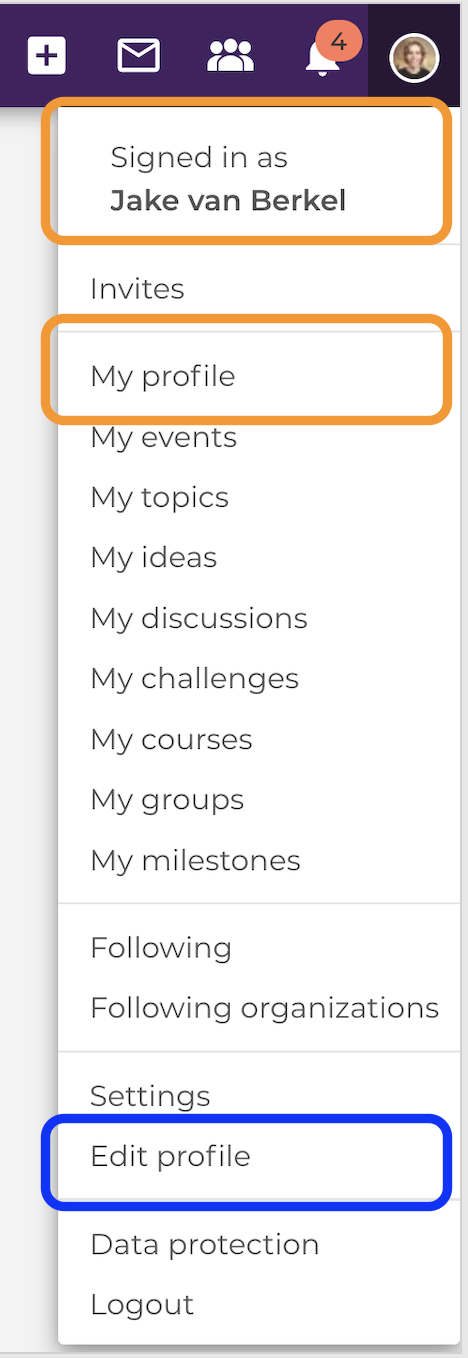
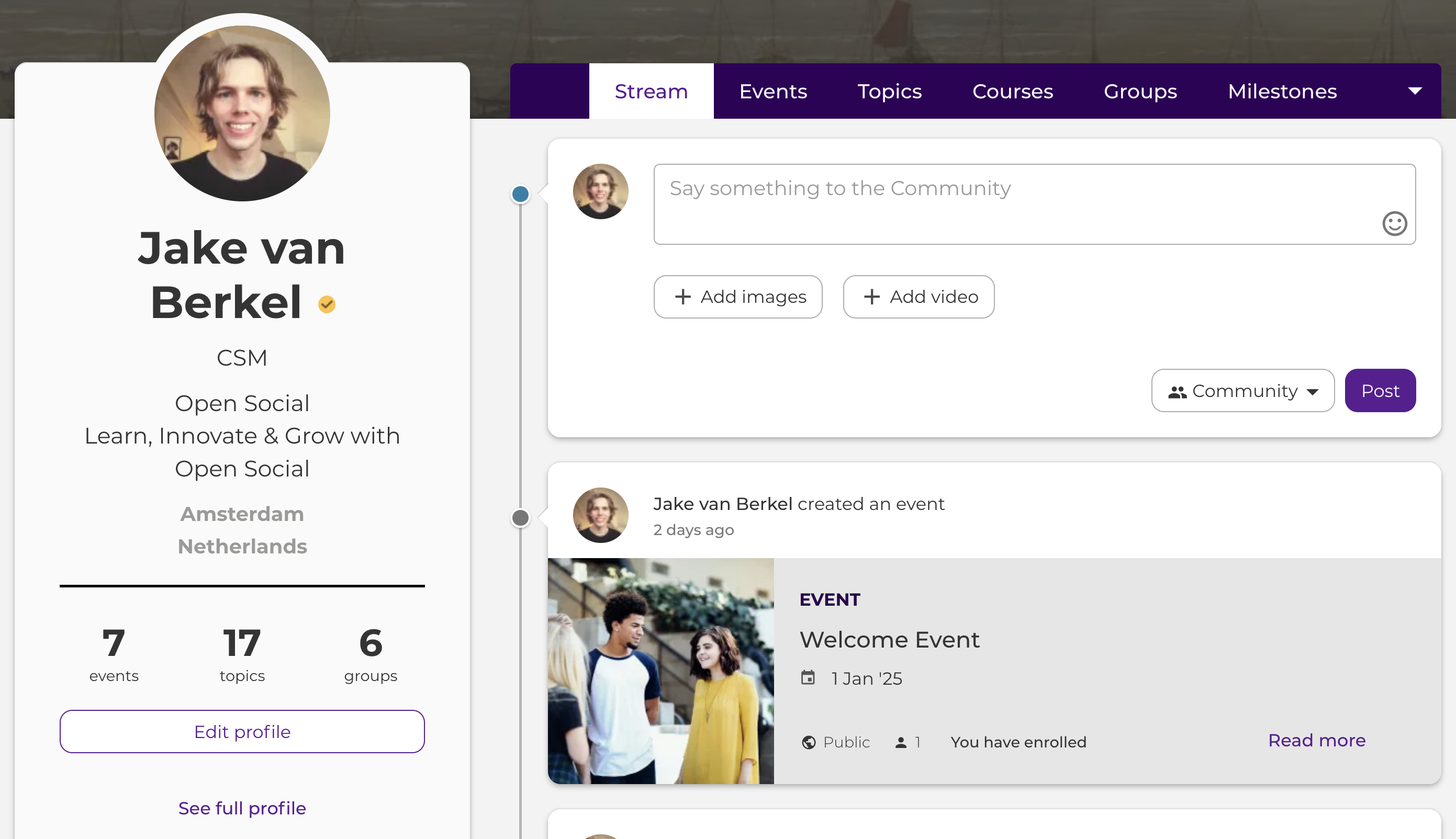
Click on your user icon in the top right corner to view your profile's details. There will be a drop-down menu. Either clicking your name or the "My profile" link will take you to your own profile page.
To edit your profile, either click on the link in the dropdown, or the button on the profile page itself:
When creating your profile, keep these things in mind:
- Make it visual, not only with a profile picture but by adding a banner image, to truly personalise your profile page
- Share as much (or as little) about yourself as you feel comfortable doing, but remember that only members of the community will be able to see your profile info, not the general public!
- Remember that this is your space, serving as not only your gateway to the community, but also as other members gateway into getting to know you!
- Contact Us if you have any issues or questions!

After filling out your profile, scroll to the bottom of the page and click "save."